
Description
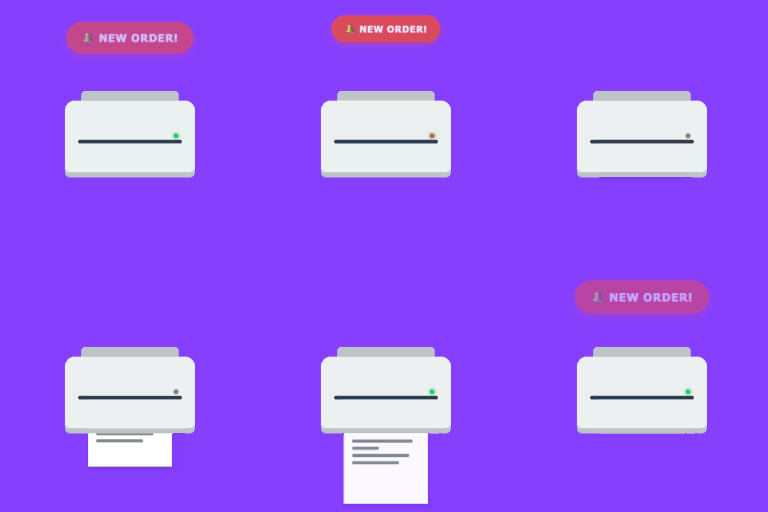
The Auto Print for WooCommerce connects your WooCommerce store directly to your local thermal receipt or office desk printers. Whenever an order changes status, this plugin formats the order data using beautiful pre-configured layouts and sends it instantly to your desktop printer client.
Key Features
- Real-time Cloud Printing: Connect and print order receipts immediately on status transitions.
- Pre-designed Templates: Choose from Thermal Receipt (80mm/58mm), Standard A4 Invoice, or Packing Slips with built-in Code 39 barcodes.
- Smart Conditional Logic: Define custom rules to determine when templates are printed based on payment methods, shipping methods, billing/shipping countries, order totals, item counts, or specific products/categories/tags.
- Visual Toggles: Toggle display of logo, customer notes, prices, barcodes, and custom QR codes from settings.
- Live Sandbox Preview: Test and adjust your templates using order data directly inside the WooCommerce admin.
External Service
This plugin connects to The Auto Print API to process and route cloud print jobs. Data is only sent to The Auto Print when a print event is triggered (e.g., a new order is placed or a file is sent).
This service is provided by The Auto Print.
Terms of Use https://theautoprint.com/terms
Privacy Policy https://theautoprint.com/privacy
Screenshots

Installation
- Upload the plugin files to the
/wp-content/plugins/theautoprintdirectory, or install the plugin through the WordPress plugins screen directly. - Activate the plugin through the ‘Plugins’ screen in WordPress.
- Navigate to WooCommerce > Settings > The Auto Print (or The Auto Print).
- Enter your API Key from your TheAutoPrint.com account.
- Hit «Fetch Printers», configure your print templates and conditional triggers, and save settings.
FAQ
-
Do I need a physical device to use this plugin?
-
Yes, you need to run the The Auto Print Desktop Client on the computer connected to your local/network printers.
-
Which printer models are supported?
-
Any printer that works with your operating system (Windows, macOS, Linux) is supported, including thermal receipt printers (EPSON, Star, Xprinter) and standard desktop laser/inkjet printers.
-
Can I restrict printing to certain payment or shipping methods?
-
Absolutely! The built-in conditional logic engine allows setting specific rules for payment gateways (e.g., cash on delivery only) and shipping methods (e.g., local pickup).
Reviews
There are no reviews for this plugin.
Contributors & Developers
“The Auto Print for WooCommerce” is open source software. The following people have contributed to this plugin.
Contributors
Translate “The Auto Print for WooCommerce” into your language.
Interested in development?
Browse the code, check out the SVN repository, or subscribe to the development log by RSS.
Changelog
1.2.0
- Add multiple templates for order print (thermal receipt, packing slip, A4 invoice) and label print
1.0.0
- Initial release. Automatic WooCommerce order printing with layouts (Thermal/A4/Packing Slip) and conditional triggers.